Sliderino
The smallest slide grammar
that work with agents.
A fast visual editor for presentations, with a CLI and an MCP server that give external agents complete control. Open-source, you own the files.
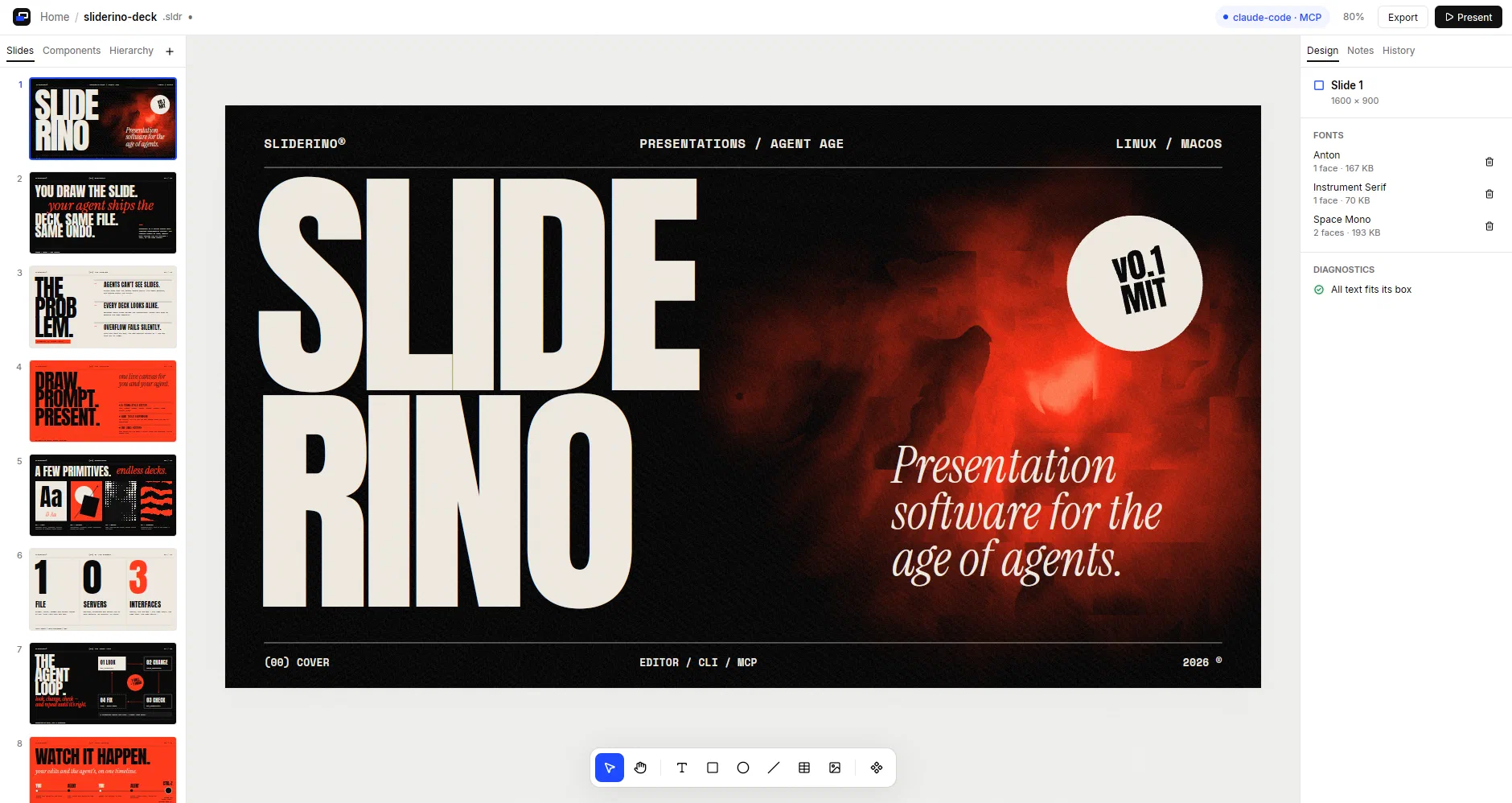
Sliderino 0.1.0
See it move
Sliderino in action
01 · Live Agent
An agent builds a slide while you watch
Any MCP compatible harness can design slides and add content. If MCP is not available, use the sliderino CLI.
02 · Fun with shaders
Fill a shape with a live GLSL shader
Write the shader. Preview plays it on the canvas. Exporting to other formats generate a video rendering.
03 · Presentation mode
Present on the full screen
Present straight from sliderino. Or export the deck to one available format.
One editor, two authors
What a person can do,
an agent can do.
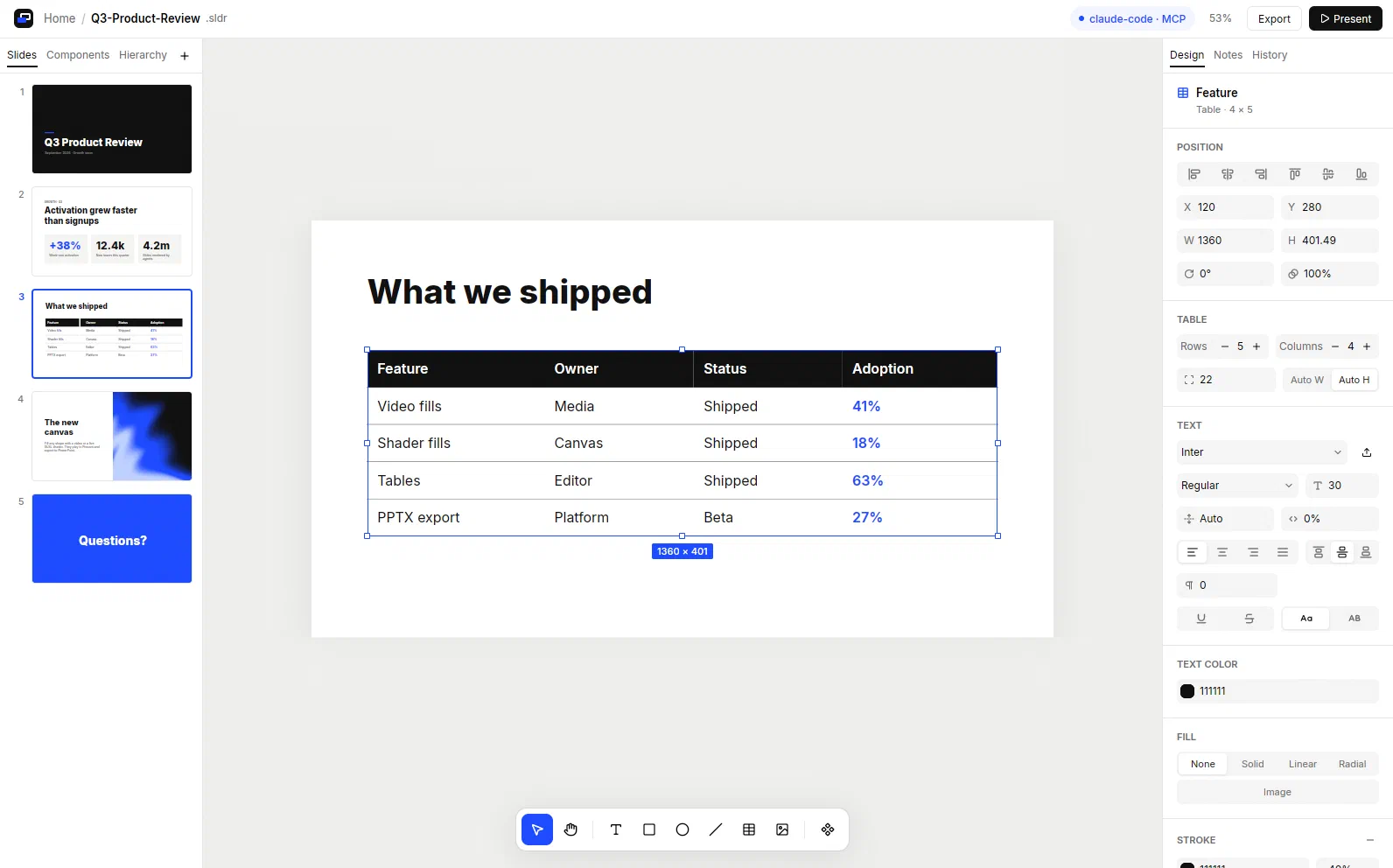
- 01
Live edits, one undo history
Agent changes show at once. Undo reverses the last step, from a person or an agent.
- 02
Overflow you can see and read
Text never shrinks by itself. The editor and get_diagnostics both report overflow.
- 03
Tables, videos and shaders
A small set of primitives: text, shapes, images, groups, tables and media fills.
- 04
One file that you own
A .sldr file holds the slides with their fonts, images and videos. No server.
- 05
Editable pptx export
Texts stay text, fonts are embedded, and shaders become videos that play.
Getting started
From zero to a live deck in four steps.
Sliderino runs on Linux and macOS. Shaders need a GPU. Videos need GStreamer.
- 1
Install Sliderino
Run the installer. It puts sliderino in ~/.local/bin.
curl --proto '=https' --tlsv1.2 -LsSf \
  https://github.com/tncardoso/sliderino/releases/latest/download/sliderino-installer.sh | sh
Then install GStreamer, which reads and plays videos:
# Debian, Ubuntu sudo apt install gstreamer1.0-plugins-base gstreamer1.0-plugins-good \ gstreamer1.0-plugins-bad gstreamer1.0-libav # macOS brew install gstreamer - 2
Open the editor
The Home screen opens. Press Ctrl+N for a new presentation or Ctrl+O to open a .sldr file.
sliderino # the Home screen sliderino deck.sldr # open a file - 3
Connect your agent
Add the MCP server to your client. The editor shows each connected client at the top of the window. For Claude Code:
claude mcp add sliderino -- sliderino mcpThen ask
Use the Sliderino MCP and make a presentation about Sliderino tools
- 4
Or script it from the shell
The CLI gives the same tools as MCP and writes JSON to stdout.
sliderino info                                # slides, fonts, undo state
sliderino apply ops.json --label "Add KPIs"   # one undo step
sliderino screenshot -o slide.png             # render a slide to PNG
sliderino export-pptx deck.sldr -o deck.pptx  # editable PowerPoint
sliderino tools                               # list every tool
Make the next deck together.
$ sliderino